How to Market a Plate-Sale Business Locally
Build a practical Instagram and Facebook marketing routine with a clear menu offer, local reach, useful content, honest proof, and measurable orders.
Local food marketing does not require posting all day. It requires a clear offer, repeated visibility in the area you can serve, and an ordering route that works when somebody is ready to buy.
Use one weekly menu as the center of the campaign. Then give each post a specific job: introduce the plate, answer a buying question, show trustworthy proof, or remind customers before orders close.
Define the customer and service area first
“Everyone who likes food” is not a useful target. Describe the people most likely to buy this menu and the situation that makes it valuable.
For example:
- workers who want Friday dinner ready after a shift;
- parents who need a weekend family meal;
- neighbors who already know your cooking;
- customers looking for a particular regional dish;
- small groups ordering trays for an event.
Choose the pickup area or delivery radius your operation can actually serve. Your content should name recognizable neighborhoods, pickup landmarks, service days, or delivery boundaries without exposing a private home address publicly.
The SBA’s market-research guidance recommends examining demand, customer location, market saturation, and the prices people already pay for alternatives. Start with direct evidence: questions from past customers, replies to menu polls, previous order records, and conversations in the community you plan to serve.
Write one positioning sentence for internal use: “We sell ___ to ___ in ___ on ___.” If a post does not help that customer understand or order the offer, it is probably not essential to the launch campaign.
Turn the menu into one complete offer
A photo without the practical details creates comments, not necessarily orders. Build one source-of-truth menu containing:
- the exact dish name and everything included;
- portion or serving information you can support;
- price and paid add-ons;
- order deadline;
- pickup or delivery date and window;
- service area;
- quantity limit or “while available” statement;
- payment and reservation rules;
- one ordering link, form, or message instruction.
Use the menu-description workflow to keep the same inclusions, choices, and price across Instagram, Facebook, messages, and the final order record.
Before publishing, ask someone unfamiliar with the menu to read it and explain how they would order. If they need a private answer for the price, pickup time, included sides, or deadline, fix the post.
Build a five-part menu-drop sequence
Instead of inventing unrelated content every day, reuse the same offer through a short sequence.
1. Early menu announcement
Publish the full menu when orders open. Lead with the food and sale date, then place the price, deadline, service area, and order action where they are easy to find.
2. Detail post
Show one useful decision: portion size, included sides, packaging, spice level, or how the dish travels. This reduces hesitation more effectively than a generic “order now” graphic.
3. Preparation or process update
Share an accurate behind-the-scenes moment that is appropriate to show: labeled packaging ready for use, produce being inspected, a clean prep station before food work, or ingredients staged for a tested batch. Do not manufacture a process image that suggests unsafe handling or a quantity you are not producing.
4. Deadline reminder
Restate what is still available and the exact cutoff. Do not use false scarcity. If only eight orders remain, say so only when the order record supports it.
5. Service-day proof and follow-up
Show completed packaging, a controlled pickup setup, or customer feedback you have permission to share. After the sale, thank customers and tell them when the next menu will be announced.
This rhythm gives followers several chances to notice the offer without turning the feed into repeated copies of the same sales graphic.
Use photos that answer buying questions
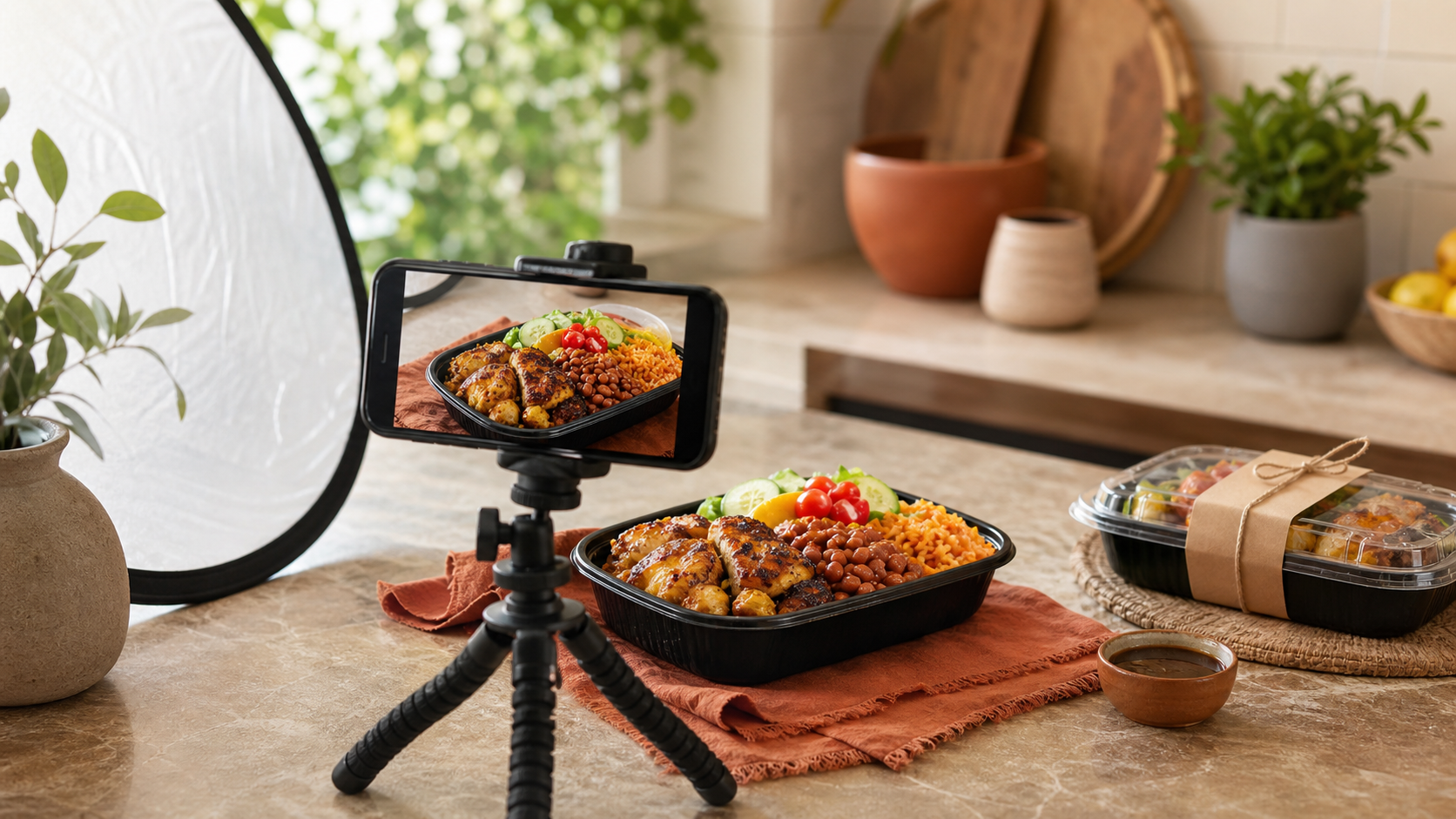
The hero photo should show the portion and components the customer will actually receive. Natural light, a clean lens, a steady phone, and a simple background are more valuable than heavy filters.
Capture:
- one full plate from the customer’s angle;
- a closer texture shot;
- the packed order with the actual container;
- one vertical crop suitable for stories;
- an optional ingredient or preparation detail that accurately represents the product.
Do not add extra protein, larger sides, decorative ingredients, or tableware that will not be included. The food-photo guide covers consistent lighting, composition, portion accuracy, and a repeatable shot list.
Keep important ordering information in the caption or linked order page, not only embedded in an image. Customers using assistive technology or viewing a repost may not receive text that exists only inside a graphic.
Make the ordering action easy to follow
Every promotional post should point to the same next action. Choose one:
- complete an order form;
- use a dedicated ordering page;
- send a message containing specified fields;
- call or text a business number during stated hours.
If you accept messages, use a standard response that asks for name, exact items, quantity, handoff choice, time window, and payment status. Then transfer the order into the central record. The preorder-system guide prevents social messages from becoming the final order database.
Platform features and commerce tools change, so confirm current availability and eligibility before promising a checkout method. Facebook’s selling-options help page is one place to check the platform’s current routes.
Use local distribution without spamming
Start with places where you already have a legitimate connection: your personal network, an opted-in customer list, neighborhood channels that permit business posts, community groups with clear promotion rules, and complementary local businesses willing to share.
Adapt the message to the group rather than dropping the same advertisement everywhere. A workplace message may emphasize pickup time. A neighborhood group may need the service boundary. A past-customer list may only need the new menu and deadline.
Do not add people to group messages or recurring promotional texts without permission. Keep a separate list of customers who asked to hear about future menus and make it easy to stop receiving updates.
Share customer proof honestly
Real feedback can reduce uncertainty, but it must remain truthful and recognizable as the customer’s experience. Ask permission before reposting a message, photo, name, handle, or order detail. Remove private information that is not needed.
The FTC’s endorsement and review guidance says endorsements should be honest and not misleading, and material connections should be disclosed. Do not write your own customer review, change criticism into praise, buy fake engagement, or condition a benefit on a positive review.
Useful proof can include:
- an unedited customer comment shared with permission;
- a repeat order count stated accurately;
- a sold-out notice supported by the order record;
- a photo supplied by the customer with permission;
- a neutral invitation for customers to leave honest feedback.
Follow the separate process for asking customers for Google reviews rather than offering free food or discounts for praise.
Measure orders, not vanity numbers
Likes and views can help diagnose reach, but the business outcome is a paid, fulfillable order. After each menu, record:
- inquiries by channel;
- completed orders by channel;
- revenue and average order value;
- common unanswered questions;
- posts customers mentioned when ordering;
- repeat customers;
- cancellations or abandoned order attempts.
Use a simple source field on the order form or ask, “Where did you see this menu?” After several sales, you may find that a small neighborhood group produces more orders than a widely viewed reel. Put effort into the route that brings suitable local customers, not the one with the largest public number.
Change one part of the campaign at a time. Test the lead photo, posting time, order deadline, offer wording, or distribution channel—not all five during the same sale.
Prepare the next campaign before disappearing
Close the loop while the sale is still fresh. Thank customers, resolve problems privately, save approved proof, and announce when the next menu will appear. Add opted-in customers to a list you control so the business is not entirely dependent on an algorithm.
A sustainable local campaign is simple: define who the menu helps, publish one complete offer, repeat it through useful posts, send buyers to one ordering route, and compare attention with actual orders. The goal is not constant content. It is making the next sale easier for the right local customer to understand and buy.
Ready to move?
Turn the research phase into your first sale.
The guide brings pricing, menu planning, marketing, and setup into one clear playbook.
Get the guide on Gumroad