How to Sell Food Plates Online: Build a Simple Order Path
Learn how to sell food plates online with one clear menu page, hosted checkout, capacity limits, pickup details, and a complete mobile order test.
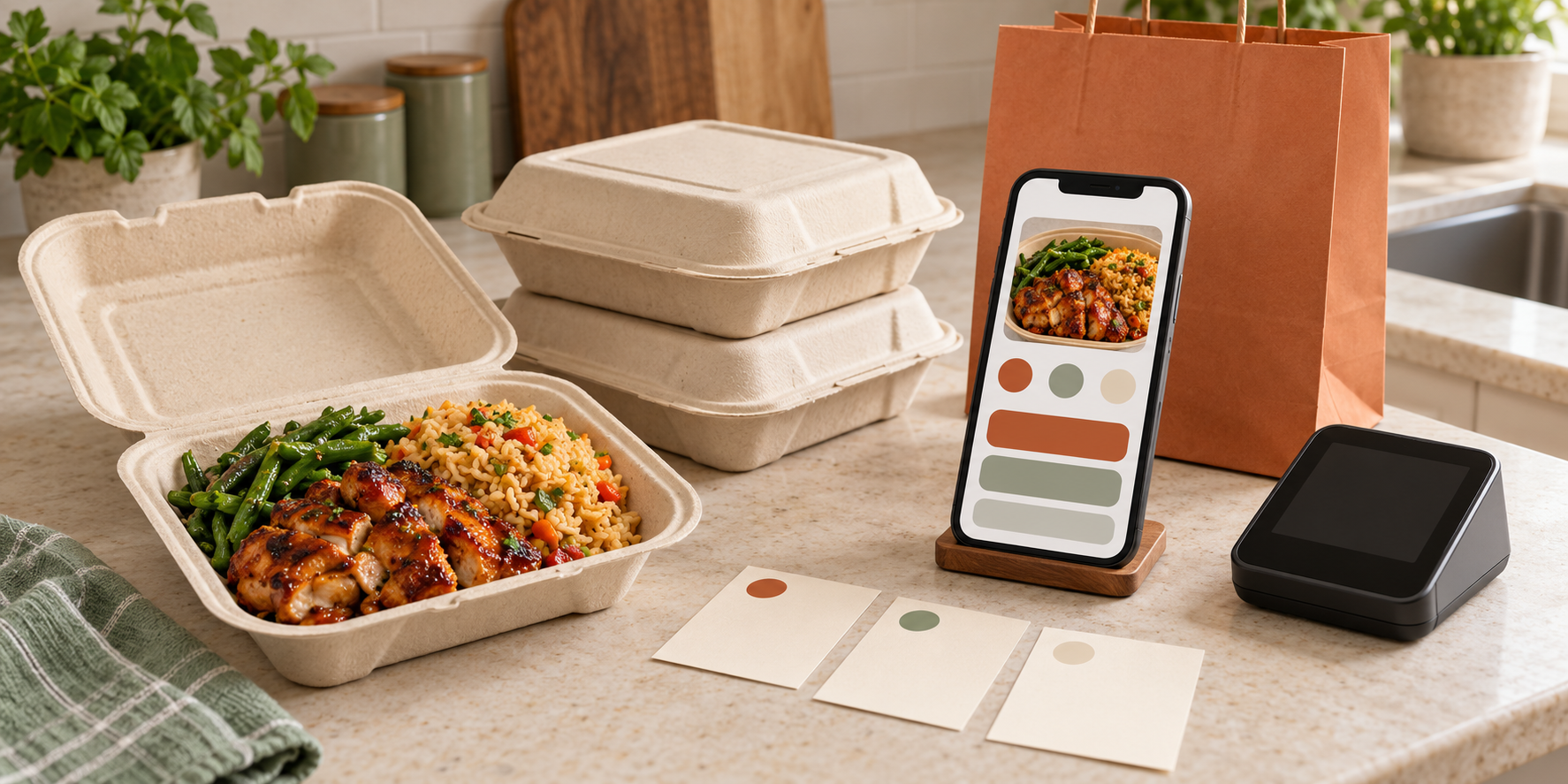
Selling food plates online should make the order clearer, not move the same confusion from direct messages into a new app. A customer needs to see the exact meal, price, deadline, available fulfillment choice, and point at which the order becomes confirmed. You need a route that stops selling when capacity is gone and gives every paid order a usable record.
This guide will help you build that customer-facing route without starting with a custom website. You will choose a simple setup, turn one real plate into a complete order page, connect hosted payment, show pickup or delivery terms before checkout, publish one direct link, and test the journey from a phone before asking customers to use it.
Confirm that online sales are allowed for this offer
An online checkout does not create permission to sell a meal. Requirements can depend on the food, preparation facility, location, handoff method, and sales channel. The FDA’s current food-business startup guidance tells home-based operators to identify the federal, state, and local rules that apply to their specific circumstances.
Before setting up payment, verify current local requirements with the responsible state, county, or city authority for the exact plan:
- the meal and whether it may be prepared in your proposed kitchen;
- whether advance online payment changes any requirement;
- whether pickup and local delivery are both allowed;
- which permit, inspection, label, allergen, tax, and record rules apply; and
- whether a home address may or must appear in customer information.
Save the answer, agency, date, and any controlling page. If the approved route changes, update the online offer before reopening orders. The fuller home plate-sale startup guide can help you complete the menu, price, and operating checks that must happen before promotion.
Choose the smallest online route that completes the order
Most early plate sellers can begin with one of two routes.
| Route | Best fit | Watch for |
|---|---|---|
| Compact online storefront | Customers need to choose items, quantities, and pickup or delivery options in one checkout | More settings must agree: item availability, fulfillment hours, cutoffs, taxes, fees, policies, and notifications |
| Order page plus hosted payment | The offer has one or two tightly controlled plates and fulfillment choices | The item selection and payment must create one matchable order; two disconnected links invite incomplete records |
A current food-ordering profile can combine the menu, fulfillment methods, checkout, store policies, and item settings. Square’s online ordering profile documentation is one example. A no-code hosted payment page is a smaller alternative: Stripe’s Payment Links documentation shows links that can be shared on a site, in email, or through social channels and can issue receipts or limit purchases.
These examples are not a requirement to use either provider. Compare the current total fees, payout timing, refund controls, order exports, customer support, and available fulfillment settings. Then choose the route you can operate correctly. Do not add a website builder, form tool, payment link, and direct-message step when one storefront can do the job.
Build the page from one controlled offer
Create the order page only after the plate itself is fixed. Start with the same item name, inclusions, choices, portion, image, and price used in your kitchen record. The menu-description workflow explains how to make that item clear before it reaches checkout.
The customer should be able to find these details without messaging you:
- exactly what the plate includes;
- the price, required fees, and approved add-ons;
- the sale date and time zone;
- the order cutoff or sold-out rule;
- available pickup windows or the defined delivery area;
- when payment confirms the order;
- the cancellation, substitution, late-handoff, and seller-cancellation terms; and
- one contact route for order questions.
Use a truthful photo of the portion customers will receive. The FTC’s advertising and marketing guidance says advertising claims must be truthful, not deceptive or unfair, and supported by evidence. That applies to an online item page: do not show extra food, hide required fees until the last screen, or imply a delivery area you have not approved and tested.
Make the checkout enforce the real capacity
The ordering tool should not accept more work than the kitchen and handoff can complete. Set the sale quantity from tested recipe yield, equipment, cold or hot storage, packaging, labor, and pickup capacity—not from a hopeful sales goal.
For example, imagine an 18-order Saturday drop with two pickup windows. The page can offer at most 18 total plates, cap each window at the number of orders you can hand off, and stop checkout at the published deadline or sellout. The number is an example, not a benchmark.
Current ordering tools can expose lead time, pickup time, a cutoff, order scheduling, limits per pickup window, large-order limits, and pickup instructions. Square documents those controls in its online pickup settings. Whatever tool you choose, verify that the visible availability, quantity, and fulfillment settings all point to the same sale.
If the tool cannot limit the sale correctly, reduce the offer or use a manual approval step before payment. Do not rely on noticing the nineteenth notification quickly enough.
Keep payment hosted and confirmation specific
Use a reputable hosted checkout so customers enter card information on the processor’s payment page, not in a message, free-text order field, or document you maintain. Collect only the customer information needed to complete and support the order. The detailed customer-information protection guide covers access, account security, working copies, and disposal.
Define what counts as confirmed. If a storefront creates the item selection and payment in one transaction, its paid order can become the source record. If an order form and payment link are separate, use an order ID or another consistent match that lets you connect the selection to the successful payment without guessing.
The success screen and receipt should repeat:
- order ID;
- exact item and quantity;
- total paid;
- pickup or delivery choice and time;
- location or next instruction;
- seller contact method; and
- the policies the customer saw before paying.
This article stops at the completed online route. Use the weekly preorder-system guide to manage requested, paid, confirmed, canceled, refunded, and fulfilled states and turn the final roster into production quantities.
Show fulfillment before the payment step
Do not make a customer pay and then discover that pickup is in another town or delivery does not reach their address. Put the fulfillment choice beside the offer and repeat it in checkout.
For pickup, show the date, selectable window, general location information appropriate to your approved setup, and when the exact instructions arrive. For delivery, show the real service area, fee, minimum order if any, available window, and what happens after an unsuccessful handoff. Only offer a route that fits your permit, temperature-control plan, carrier space, and delivery capacity.
Review the order as a customer would. An item assigned to delivery while the checkout offers pickup only is not a small settings mistake; it blocks the sale or creates a promise the kitchen did not plan. Keep inactive dates and old locations out of the customer view.
Publish one direct order URL
Give every menu post, email, profile, and repeat customer the same destination. That URL should open the current offer or a stable ordering page—not a general homepage that asks the customer to hunt for the menu.
If your verified Google Business Profile is eligible for ordering links, Google requires the action link to lead to a dedicated page where the order can be completed. Its current policy excludes social-media pages, messaging links, app-store links, and shortened URLs from that direct order-link role.
Use social posts to create discovery, then send the buyer to the order page. The existing local marketing guide covers the wider campaign. On the ordering page, keep the call to action literal: view the plate, choose the approved option, select fulfillment, and pay.
Run one complete mobile order before launch
Preview mode is useful, but a real journey catches different failures. Before sharing the link, place one controlled test order from a phone that is not signed in to the seller account. Use the platform’s test mode when available; otherwise use the smallest legitimate transaction your provider permits and record any refund correctly.
Check all ten points:
- The link opens the intended current menu.
- The image, inclusions, price, fees, and date match the offer record.
- Sold-out or unavailable choices cannot be selected.
- The correct pickup or delivery choices appear.
- The cutoff and capacity settings work.
- Checkout collects only the information you need.
- Payment produces one identifiable order.
- The customer receives the correct confirmation.
- The seller receives the order in the record used for fulfillment.
- Pausing or closing the sale prevents another purchase.
Then ask someone unfamiliar with the setup to complete a second test without coaching. If they need a direct message to find the price, choose a time, or understand whether payment worked, revise the page before promotion.
Start with one controlled plate, one checkout path, one fulfillment promise, and one direct URL. The best online setup is not the one with the most features. It is the one that lets a customer complete the right order and leaves your kitchen with a paid record it can actually fulfill.
Ready to move?
Turn the research phase into your first sale.
The guide brings pricing, menu planning, marketing, and setup into one clear playbook.
Get the guide on Gumroad